
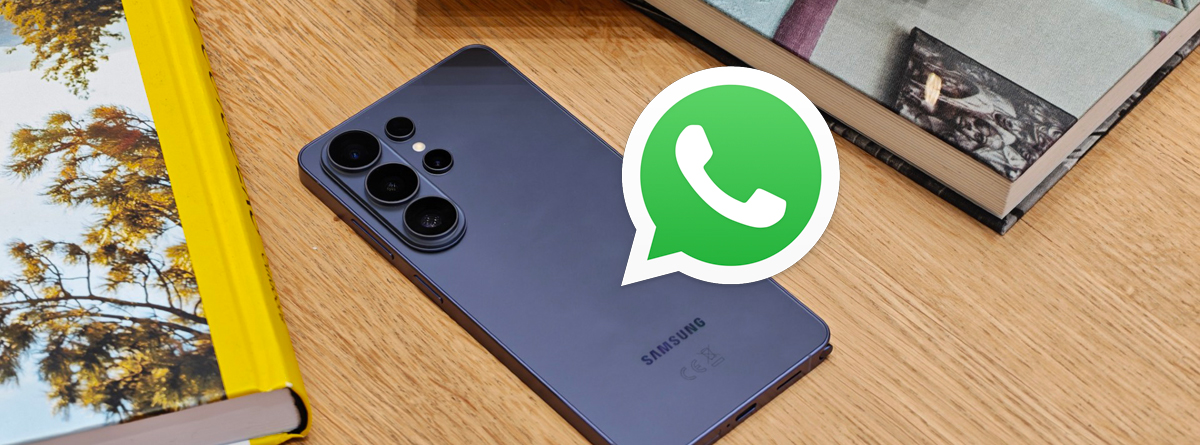
In today’s corporate environment, ensuring employee productivity and data security is a top priority. When a company issues a Galaxy S26 Ultra to an employee, monitoring communication apps like WhatsApp may become necessary to prevent data leaks, harassment, or policy violations. This guide explains how to legally and effectively monitor WhatsApp on a company-owned Galaxy S26 Ultra using the best WhatsApp monitoring app—Spynger.
Why Monitoring Is Essential
Company-owned devices are corporate assets, and employers have the right to oversee their usage as long as employees are notified and local privacy laws are followed. With the Galaxy S26 Ultra’s advanced features, monitoring WhatsApp helps you track business-related conversations, detect unauthorized sharing of confidential files, and ensure compliance. Below, we cover the key methods to monitor WhatsApp chat, monitor WhatsApp messages, and even monitor WhatsApp online activity.
Step-by-Step Guide to Monitoring WhatsApp on Galaxy S26 Ultra
1. Choose a Reliable Monitoring Solution
The most efficient way to spy on Galaxy S26 Ultra without rooting or complex setups is to use a dedicated spy app for Galaxy S26 Ultra. After evaluating multiple options, Spynger stands out as the best WhatsApp monitoring app due to its intuitive dashboard and extensive features.
2. Install the App on the Target Device
You need physical access to the company-owned Galaxy S26 Ultra. Download Spynger from the official website (do not use third-party stores). The installation package acts as a Galaxy S26 Ultra spyware—but one that is legal for device owners. Once installed, follow the setup wizard. You will be asked to download spyware to track WhatsApp online; this is legitimate monitoring software, not malicious malware.
3. Configure Permissions
Spynger requires permissions for accessibility, notifications, and usage data so you can monitor WhatsApp activity apk — meaning the app’s APK file enables full WhatsApp tracking. Grant these permissions during setup. The app runs in stealth mode—employees will not see any icon or notification, preserving workplace trust while you exercise your ownership rights.
4. Start Monitoring via Spynger Dashboard
After installation, log into your Spynger account from any web browser. The dashboard provides real-time access to:
- Monitor WhatsApp chat threads, including deleted messages.
- Monitor WhatsApp messages sent and received, with timestamps.
- Monitor WhatsApp online status – see when the employee is active on WhatsApp.
- Additional features like keylogging, location tracking, and social media monitoring.
Spynger even functions as a WhatsApp chat tracker online free of manual backups—everything is synced to your cloud panel automatically.
Why Spynger Is the Best Monitoring App for Galaxy S26 Ultra
Many tools claim to be the top monitoring app for Galaxy S26 Ultra, but Spynger excels in these areas:
- No rooting required – Works out of the box on the latest Galaxy S26 Ultra firmware.
- Stealth operation – Undetectable by the user, yet fully functional.
- Comprehensive WhatsApp logging – Captures photos, voice notes, status updates, and call logs alongside text messages.
- Remote control – Uninstall or adjust settings without touching the device again.
- Affordable plans – Much cheaper than hiring forensic experts or using unreliable free tools.
Unlike generic Galaxy S26 Ultra spyware that only records keystrokes, Spynger is purpose-built for messaging apps. You can even monitor WhatsApp activity with this apk in real time—seeing every tap, swipe, and send.
Legal and Ethical Considerations
Before deploying any monitoring solution, inform employees via a signed policy that their company-owned Galaxy S26 Ultra may be monitored. Avoid monitoring personal devices. Spynger should only be used on devices you legally own. Check your local laws regarding employee surveillance; many jurisdictions allow it with proper notice.
Conclusion
Monitoring WhatsApp on a company-owned Galaxy S26 Ultra does not have to be complicated or invasive. With this WhatsApp monitoring app for Galaxy S26 Ultra, you gain a powerful, user-friendly solution that lets you monitor WhatsApp chat, monitor WhatsApp messages, track online activity, and even act as a WhatsApp chat tracker online free of recurring fees. The convenience of Spynger is unmatched—from the quick installation process to the intuitive cloud dashboard, every step is designed for busy employers. Spynger is the ultimate WhatsApp monitoring app for any organization that values security and efficiency. Stop worrying about what happens on company devices; start monitoring with confidence using Spynger today.
No responses yet